Upload your image
Use JPG, PNG, or WebP images up to 3000px.
Upload, brush, repair, and download. No account needed.
Upload JPG, PNG, or WebP to start.
Upload a photo, brush the mark, run cleanup, and download the result.
Use JPG, PNG, or WebP images up to 3000px.
Paint watermarks, logos, text, date stamps, or overlays you want to clean.
Choose Quick clean, Smart repair, or Precise repair when available for harder backgrounds.
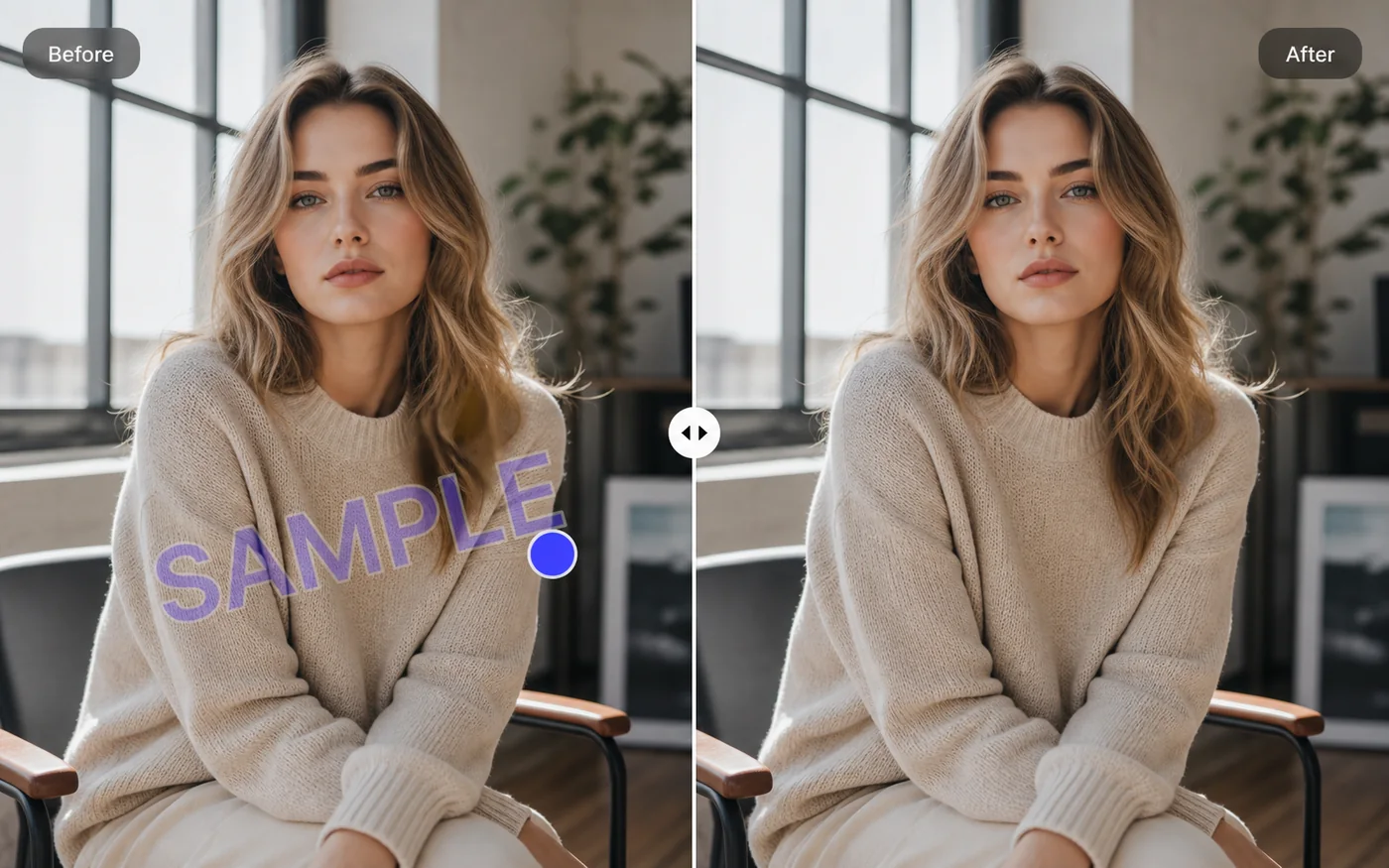
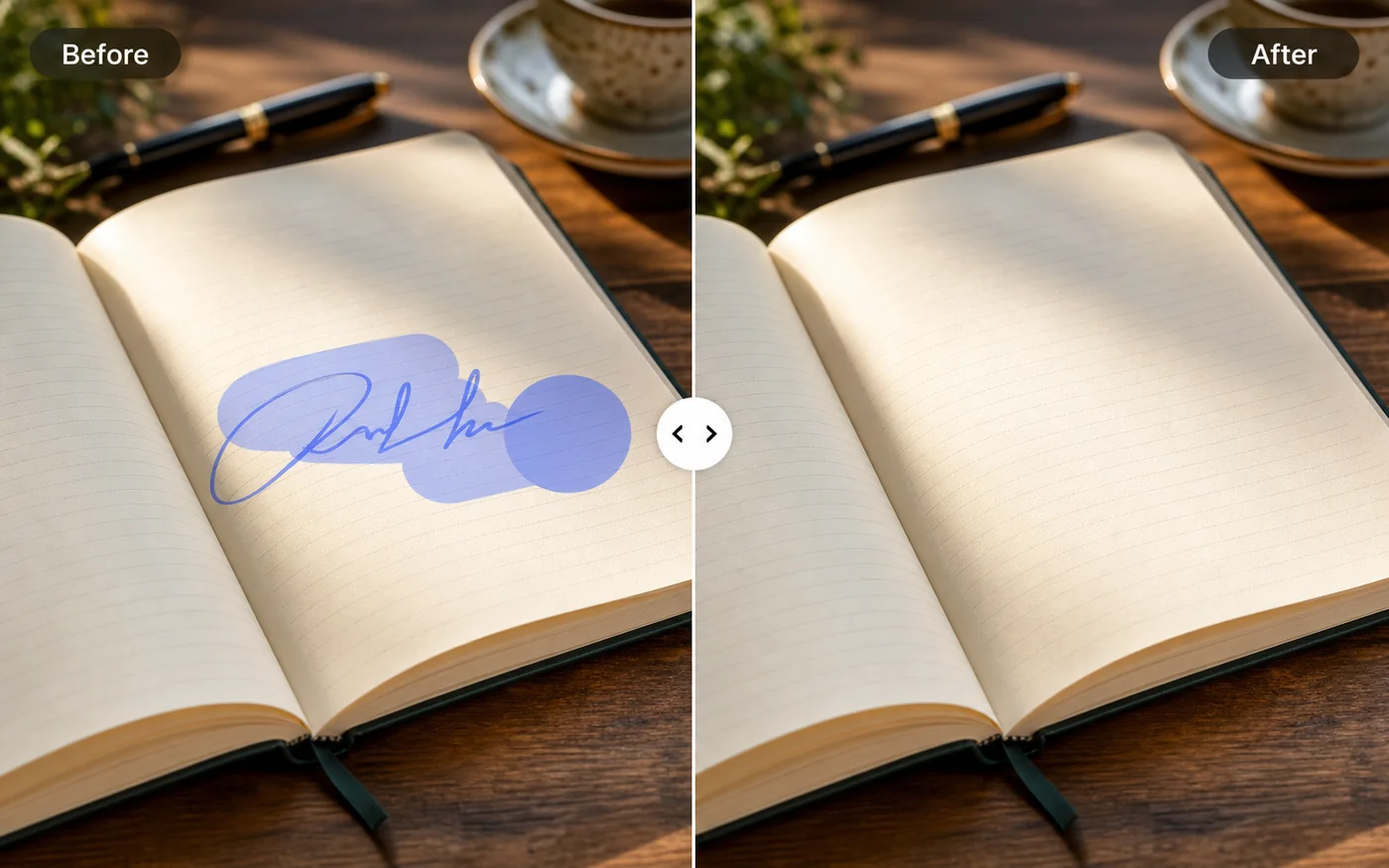
Review the before/after slider and download your cleaned PNG.
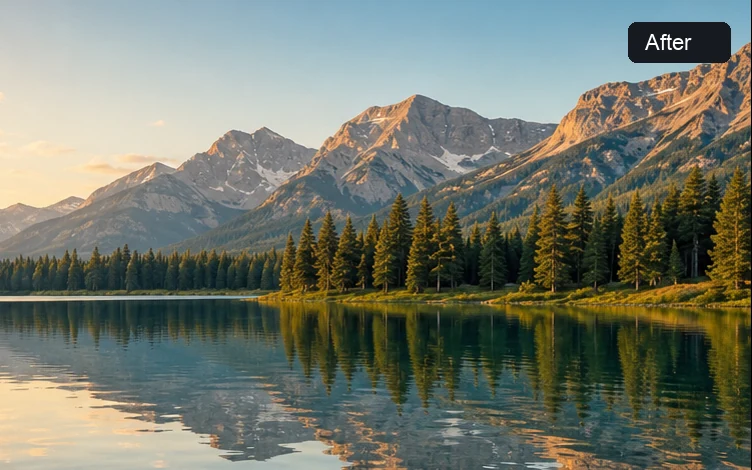
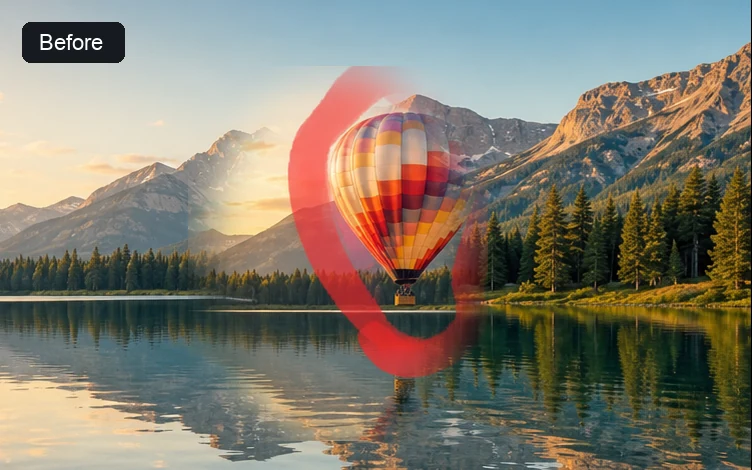
Fast image cleanup with no account required.
Upload and clean an image without creating an account.
Brush the mark, pick a cleanup mode, and get results in seconds for many common overlays.
Upload, mask, repair, compare, and download in one tool.
Quick clean and Smart repair can run locally in your browser without uploading your file.
Start fast, then choose a stronger mode when the background needs it.
Fast cleanup for small marks, date stamps, and light overlays on simple backgrounds. Your file stays in this browser.
A stronger browser-based repair pass for text, logos, and marks that need better edge blending.
Remove unwanted marks from images you can edit.
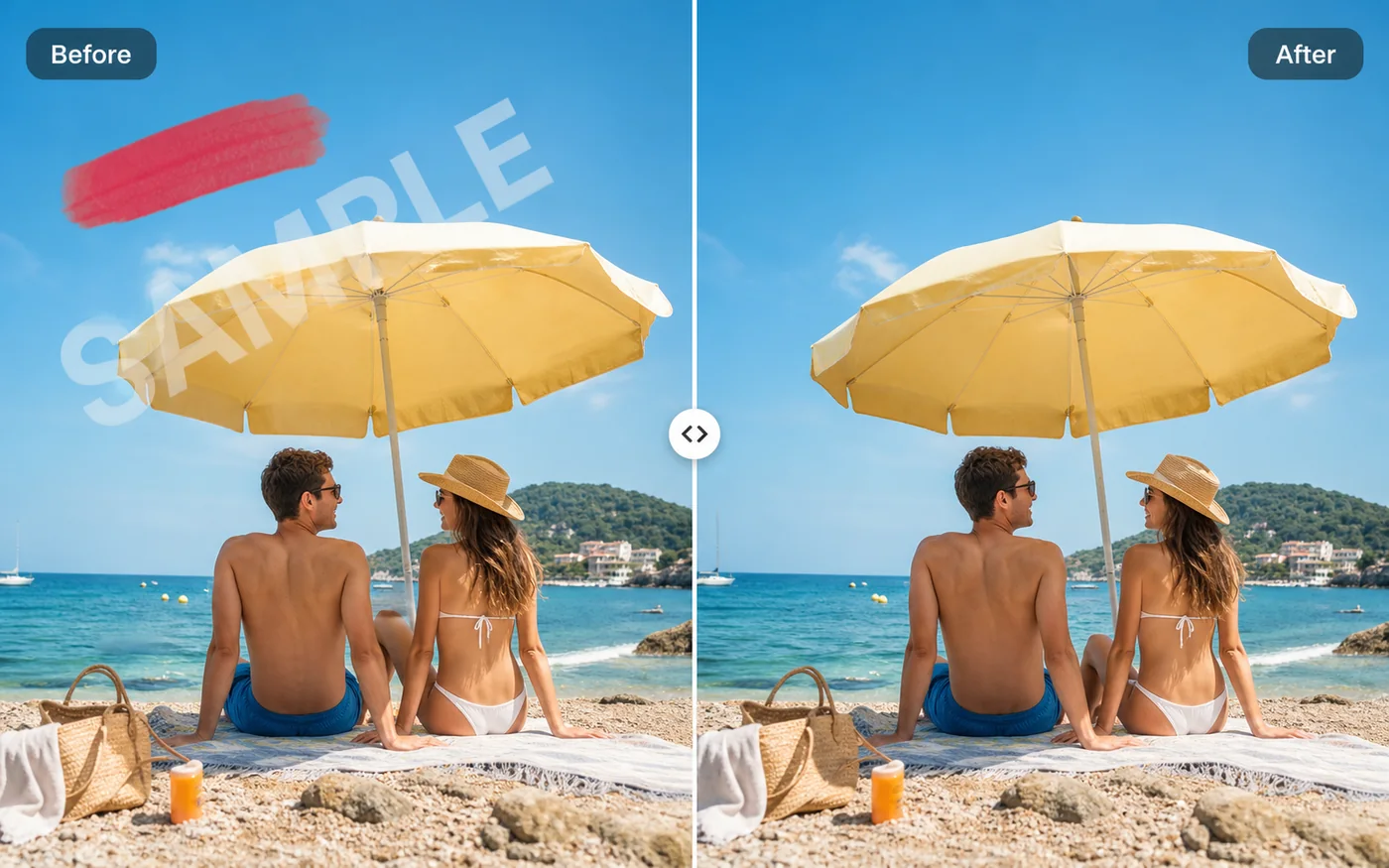
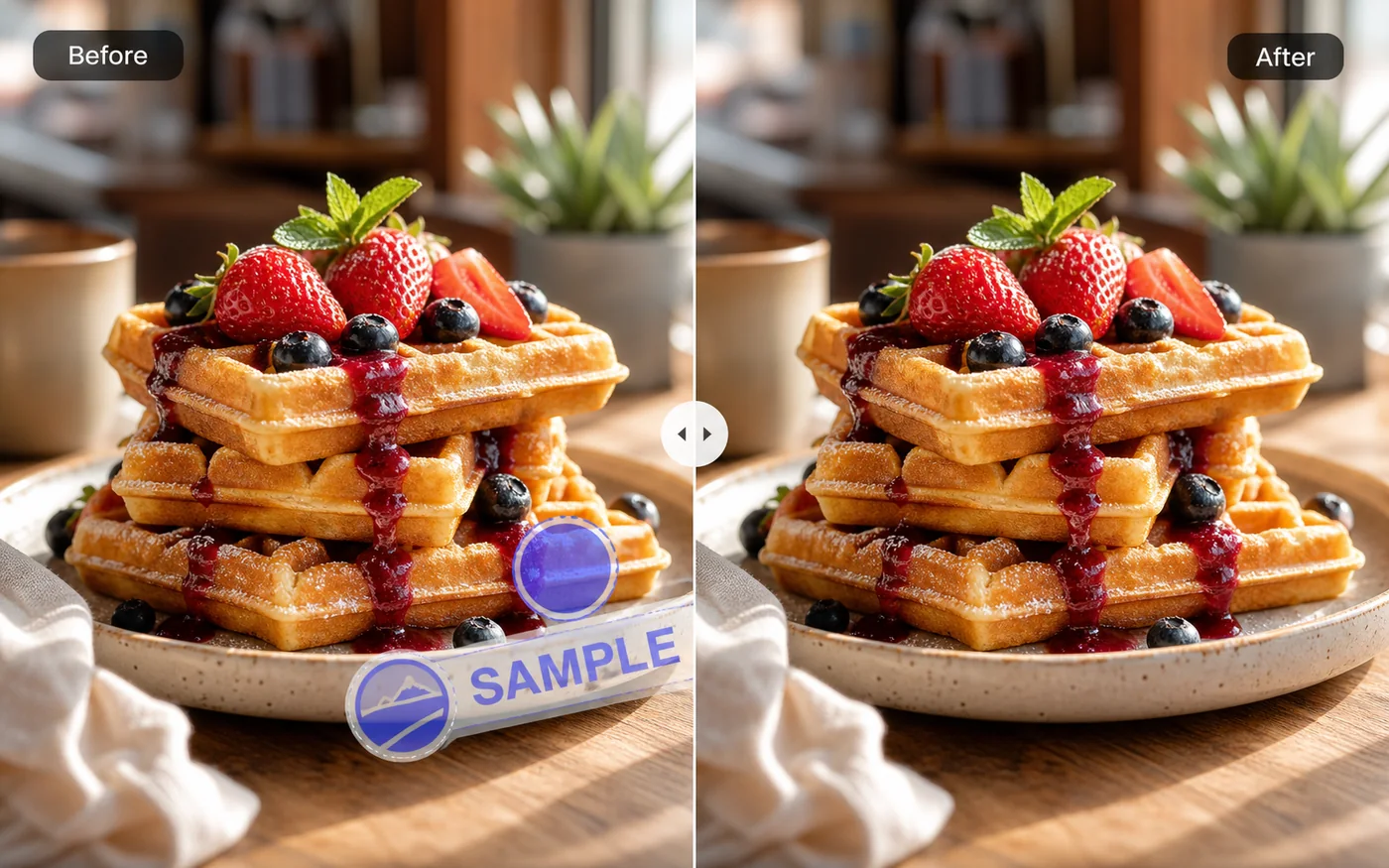
Localized pages for common watermark removal searches.
Answers about privacy, cleanup modes, and allowed use.
Yes. The public Quick clean and Smart repair modes run in the browser and do not require an account.
No. Open PhotoUnmark, upload an image, and start cleaning.
Yes. Brush over a watermark, logo, text, or date stamp and run cleanup without creating an account.
PhotoUnmark can clean watermarks, logos, text overlays, date stamps, signatures, and similar marks on images you can edit.
Yes. Brush over the logo or text area, then choose a cleanup mode. Results depend on image complexity and mask accuracy.
Results vary by mark size, background texture, and cleanup mode. You can compare before and after before downloading.
Only use PhotoUnmark on images you own or have permission to edit. Do not remove marks from third-party images.
Use your own photos, product shots, scans, or client work where you have permission to edit.
Quick clean and Smart repair run in your browser. Experimental remote repair is not exposed in the public interface.
Yes. Use a modern mobile browser to upload, brush, repair, and download.
PhotoUnmark is for images you own or have permission to edit. Do not remove copyright, ownership, platform, or provenance marks from third-party images.